Welcome back to Nova Quant Lab. In our previous session, we established the fundamental prerequisite for professional algorithmic trading: deploying your Python bots on a 24/7 Virtual Private Server (VPS). We successfully migrated our quantitative logic from a fragile local environment to a robust, redundant command center.
However, as your quantitative journey progresses and your portfolio diversifies, a new architectural challenge emerges: Complexity Management and System Isolation.
You are no longer running just one simple moving average crossover bot on a single Bitcoin pair. You are now running a mean-reversion strategy on Bybit for Ethereum, a complex statistical arbitrage bot on Binance, and perhaps a high-frequency grid trading bot on Bitget.
If you attempt to run all these distinct, heavy-duty strategies within a single, monolithic Python script, you are fundamentally violating a core principle of structural engineering and software architecture. You are actively creating a massive Single Point of Failure (SPOF). If your Binance WebSocket connection drops due to a network hiccup and throws an unhandled exception, your entire Python process will crash, taking your highly profitable Bybit and Bitget strategies down with it.
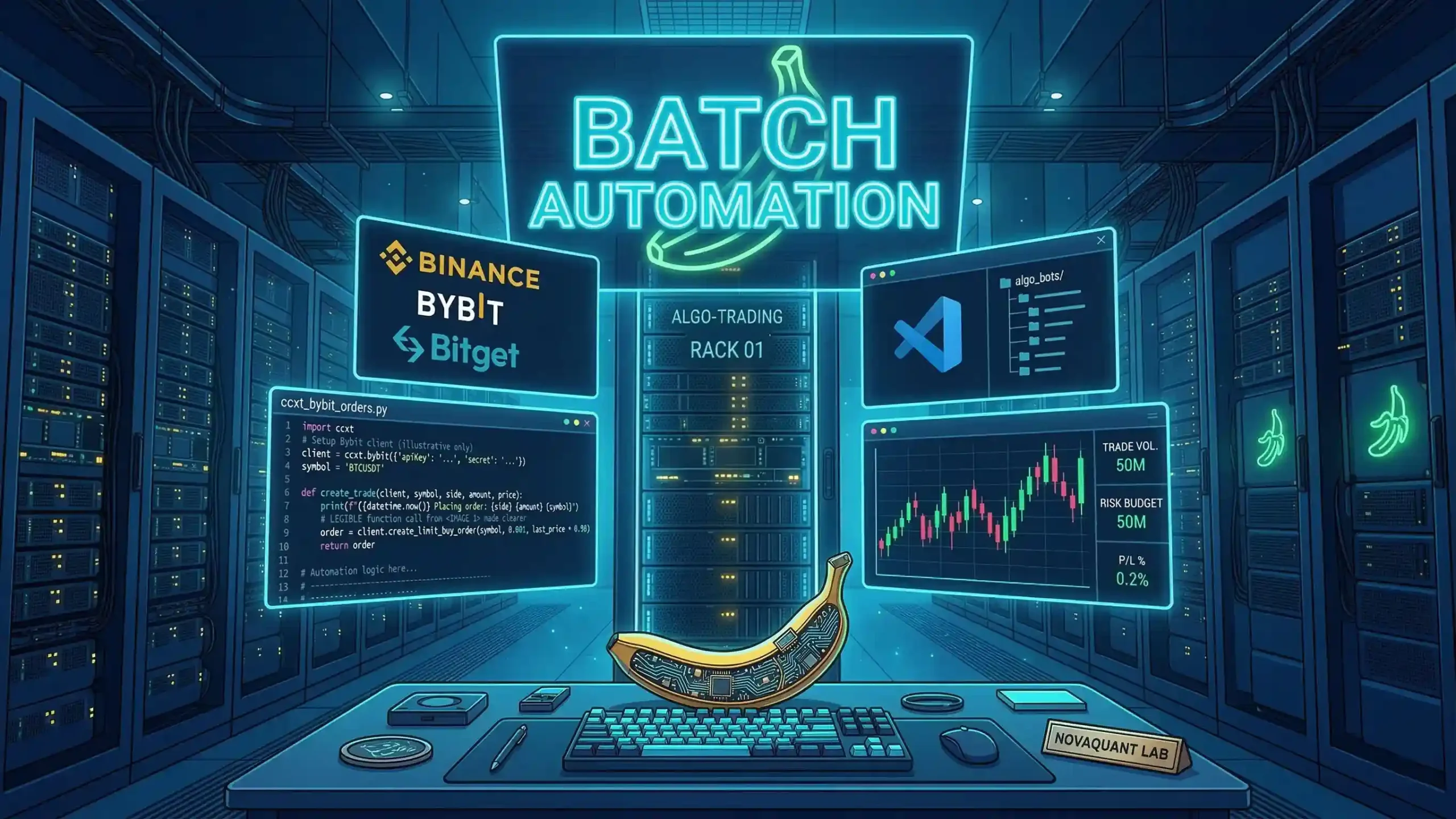
Today, we will construct a professional-grade, modular trading architecture. We will learn how to isolate every individual trading strategy into its own dedicated Visual Studio Code (VS Code) instance, implement centralized logging, and automate the simultaneous deployment of this entire robotic fleet using advanced Windows Batch (.bat) scripting.
1. The Philosophy of Modular Trading Architecture
Before we write a single line of automation code, we must fundamentally restructure our workspace. You must think of your trading operation not as one giant, interconnected machine, but as a fleet of independent, autonomous drones. If one drone loses its signal or crashes, the rest of the fleet must continue the overarching mission entirely uninterrupted.
The “Microservices” Approach to Quantitative Trading
In modern software engineering, the microservices architecture structures an application as a collection of loosely coupled, independently deployable services. We must apply this exact enterprise-level mindset to our algorithmic trading bots.
Every specific strategy should have its own isolated directory containing:
- The Main Executable Script (e.g.,
main_bybit_eth.py). - An Isolated Virtual Environment (
venv) to prevent dependency conflicts between different exchange SDKs. - Its Own Configuration File (
.envorconfig.json) containing specific API keys, leverage settings, and risk parameters. - A Local SQLite Database for storing trade history, current open positions, and algorithmic state.
Example Professional Folder Structure on your VPS:
Plaintext
C:\NovaQuant_Trading\
│
├── Binance_StatArb\
│   ├── main.py
│   ├── .env
│   ├── requirements.txt
│   └── logs\
│
├── Bybit_ElliottWave\
│   ├── main.py
│   ├── .env
│   ├── requirements.txt
│   └── logs\
│
└── Bitget_GridBot\
    ├── main.py
    ├── .env
    ├── requirements.txt
    └── logs\
This rigid, uncompromising separation guarantees that a memory leak in your Grid Bot will never corrupt the execution state of your critical Statistical Arbitrage bot.
2. Why Visual Studio Code for Live VPS Deployment?
Many traditional backend developers prefer to deploy Python scripts “headless”—running silently in the background via command line interfaces, Windows Services, or Linux tmux sessions. However, for quantitative traders who need to actively monitor algorithmic behavior, API latency, and visual terminal outputs, Visual Studio Code (VS Code) offers a massive distinct advantage when running on a Windows VPS.
Running isolated VS Code instances for each bot allows you to:
- Visually monitor live print statements and JSON payloads in real-time across multiple monitors.
- Execute hot-fixes immediately if market conditions change drastically, without needing to navigate via command line text editors.
- Utilize integrated Git capabilities seamlessly for version control across different strategy folders directly on the server.
The inherent challenge is that manually opening 5 or 10 different VS Code windows, navigating to the correct specific directory, activating the virtual environment, and typing python main.py for each one after a server reboot is tedious, unprofessional, and highly prone to human error during high-stress market volatility.
3. Writing the Advanced Master Batch Deployment Script
To achieve true, professional-grade automation, we will write an advanced Windows Batch Script. This script will not just blindly open programs; it will methodically verify your directories, launch your VS Code instances, stagger their start times to defend against API rate limits, and beautifully organize your deployment workspace.
Open Notepad on your VPS Desktop and create a file named NovaQuant_Fleet_Commander.bat.
The Core Automation Code
DOS
@echo off
title Nova Quant Lab - Algorithmic Fleet Commander
color 0A

echo ===================================================
echo   NOVA QUANT LAB: INITIALIZING ALGORITHMIC FLEET
echo   System Check Initiated at %TIME%
echo ===================================================
echo.
echo [System Check] Verifying Strategy Directories...

:: Define the absolute master path
set "BASE_PATH=C:\NovaQuant_Trading"

:: Check if critical directories exist to prevent deployment errors
if not exist "%BASE_PATH%\Binance_StatArb" (
    echo [CRITICAL ERROR] Binance directory missing! Deployment Halted.
    pause
    exit
)
if not exist "%BASE_PATH%\Bybit_ElliottWave" (
    echo [CRITICAL ERROR] Bybit directory missing! Deployment Halted.
    pause
    exit
)

echo [System Check] Directories verified. Proceeding with sequential launch.
echo.

echo [Deploying Phase 1] Binance Statistical Arbitrage...
:: The 'start' command opens a new independent process.
:: We call 'code' (VS Code CLI) and pass the absolute folder path.
start "VSCode_Binance" code "%BASE_PATH%\Binance_StatArb"

:: DEFENSE MECHANISM: Staggering launches to prevent API Rate Limit bans.
:: Exchanges monitor concurrent connection spikes. We pause for 5 seconds.
timeout /t 5 /nobreak >nul

echo [Deploying Phase 2] Bybit Elliott Wave Momentum...
start "VSCode_Bybit" code "%BASE_PATH%\Bybit_ElliottWave"
timeout /t 5 /nobreak >nul

echo [Deploying Phase 3] Bitget Grid Bot...
start "VSCode_Bitget" code "%BASE_PATH%\Bitget_GridBot"
timeout /t 5 /nobreak >nul

echo.
echo ===================================================
echo   ALL SYSTEMS DEPLOYED AND ONLINE.
echo   Please check VS Code instances for specific terminal outputs.
echo ===================================================
pause
Architectural Breakdown of the Script:
- Directory Verification (
if not exist): This is the hallmark of professional coding. Before the script blindly executes, it verifies the infrastructure is intact. - The
startCommand: This prevents the batch file from waiting for VS Code to close before moving to the next line. It spawns an independent process. - The Rate Limit Defense (
timeout): If you launch 10 bots at the exact same millisecond, they will all bombard the exchange’s REST API to fetch initial balances and instrument info. Binance and Bybit aggressively monitor IP traffic spikes and will issue a temporaryHTTP 429 Too Many RequestsIP ban. Staggering the launches ensures smooth, undetected deployment.
4. Automating Script Execution Inside VS Code (tasks.json)
The batch script successfully opens the correct folders in VS Code. But we still need the Python scripts to actually execute without human intervention.
To achieve this, we leverage VS Code’s native task runner via tasks.json in each strategy folder.
Inside your Binance_StatArb folder, create a hidden folder named .vscode and inside it, create a file exactly named tasks.json:
JSON
{
    "version": "2.0.0",
    "tasks": [
        {
            "label": "Run Nova Quant Binance Bot",
            "type": "shell",
            "command": "${workspaceFolder}/venv/Scripts/python.exe",
            "args": [
                "${workspaceFolder}/main.py"
            ],
            "runOptions": {
                "runOn": "folderOpen"
            },
            "presentation": {
                "reveal": "always",
                "panel": "new",
                "clear": true
            }
        }
    ]
}
The Critical Detail: Notice the command path. We are not just typing "python". We are explicitly pointing to the Python executable inside the isolated virtual environment (venv/Scripts/python.exe). The absolute magic here is "runOn": "folderOpen". The moment your Master Batch file opens this specific folder, VS Code will immediately and automatically execute the main.py script using the correct virtual environment in a new terminal panel.
5. Centralized Logging for a Distributed Fleet
When you have three or more VS Code terminals running rapidly changing data, keeping track of errors becomes a nightmare. You cannot rely purely on visual terminal output.
To maintain control, every independent bot must utilize Python’s built-in logging module, writing to a dedicated file within its own folder.
Python
import logging
import os
from logging.handlers import RotatingFileHandler

# Set up dedicated logging for the specific bot
log_formatter = logging.Formatter('%(asctime)s - %(name)s - %(levelname)s - %(message)s')
log_file = os.path.join(os.path.dirname(__file__), 'logs', 'binance_bot.log')

# Use RotatingFileHandler to prevent the log file from taking up all server SSD space
my_handler = RotatingFileHandler(log_file, mode='a', maxBytes=5*1024*1024, backupCount=2)
my_handler.setFormatter(log_formatter)
my_handler.setLevel(logging.INFO)

app_log = logging.getLogger('Binance_StatArb')
app_log.setLevel(logging.INFO)
app_log.addHandler(my_handler)

app_log.info("Binance Strategy successfully initialized via Fleet Commander.")
By utilizing a RotatingFileHandler, you ensure your VPS hard drive does not fill up with gigabytes of text logs after a month of 24/7 trading. It will keep a manageable history and automatically overwrite the oldest data.
Final Thoughts: The Unstoppable Ecosystem
You have now successfully engineered a self-deploying, isolated, and highly resilient algorithmic ecosystem.
If your VPS automatically restarts due to a mandatory Windows Server update at 3:00 AM on a Sunday, you can easily configure the Windows Task Scheduler to run your NovaQuant_Fleet_Commander.bat file on startup.
- The server boots up.
- The batch file runs automatically.
- It staggers the opening of your isolated VS Code environments.
- VS Code automatically triggers the Python scripts to run within their correct virtual environments.
- Your fleet is back online, logging data and trading the markets while you are fast asleep.
This is the exact level of structural integrity required to survive and consistently thrive in the brutal arena of automated quantitative trading.
In our next session, we will shift our focus back from infrastructure to pure quantitative analysis, exploring how to code advanced Fibonacci retracements and Price Action signals directly into our Python logic.
Stay analytical, keep your fleet organized, and never tolerate a Single Point of Failure.